
nvcli - An Nvidia Control Panel CLI
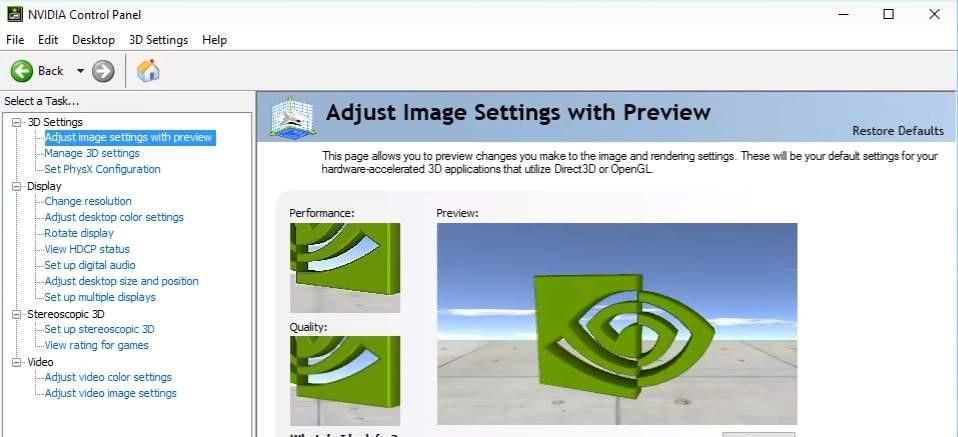

Fat hitboxes are easier to hit. That's my justification for playing TF2 and CSGO in stretched 4:3. Unfortunately, stretched-everything-else is not easier to see, so I needed a way to switch between stretched 4:3 and native 16:9 as quickly as possible.
My initial approach was to make an autohotkey script that would click around in the control panel, but this turned out to be slow and unreliable. Then I tried to use the Nvidia control panel CLI...which doesn't exist for some reason. So I had to make my own.
This project was supposed to be an exercise in getting C bindings to work in Rust using rust-bindgen. Instead it turned out to be an exercise in reading documentation, as the nvapi docs are not exactly a shining example of easy-to-read documentation.
After cobbling together a rudimentary CLI, the tool turned out to be amazingly effective - at least, until I switched to an AMD gpu.